
Why is My Query Faster the Second Time it Runs? (Dear SQL DBA Episode 23)
Category:
query-performance
Today’s question is about why a query might be slow at first, then fast the next time you run it.
Today’s question is about why a query might be slow at first, then fast the next time you run it.

This is one of those little details that confused me a ton when I was first working with execution plans.
One problem with learning to work with plans is that there’s just SO MUCH to look at. And it’s a bit spread out. So, even when looking at a single tooltip, things can be confusing.
Let’s talk about the nested loop operator, who can be particularly weird to understand.
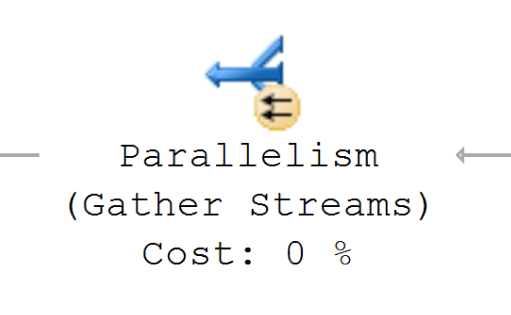
The best features are the ones that you use all the time. SQL Server 2016 Management Studio’s bringing improvements in navigating around execution plans.
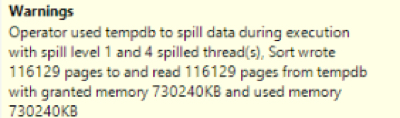
I like SQL Server’s new Live Query Statistics feature a lot for testing and tuning large queries. One of my first questions was whether this could replace using actual execution plans, or if it’s useful to use both during testing.
Finding: Both are useful. And both can impact query performance.
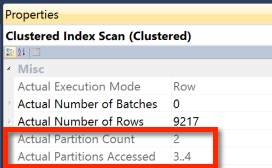
Working with table partitioning can be puzzling. Table partitioning isn’t always a slam dunk for performance: heavy testing is needed. But even getting started with the testing can be a bit tricky!
Here’s a (relatively) simple example that walks you through setting up a partitioned table, running a query, and checking if it was able to get partition elimination.
Copyright (c) 2025, Catalyze SQL, LLC; all rights reserved. Opinions expressed on this site are solely those of Kendra Little of Catalyze SQL, LLC. Content policy: Short excerpts of blog posts (3 sentences) may be republished, but longer excerpts and artwork cannot be shared without explicit permission.